



(OPEN BOX) Redragon Mitra K551 - 104 Wired Mechanical Keyboard RGB Black (Blue Switch)
- Regular price
-
Rs. 2,390.00 - Regular price
-
Rs. 4,490.00 - Sale price
-
Rs. 2,390.00
Inclusive of all taxes
Shipping calculated at checkout.
🛡️ 1-Year Manufacturing Warranty From The Date of Purchase – Buy with confidence!
DELIVERY INFORMATION
Delivery Time : 3 - 7 Days (Depending on the location)
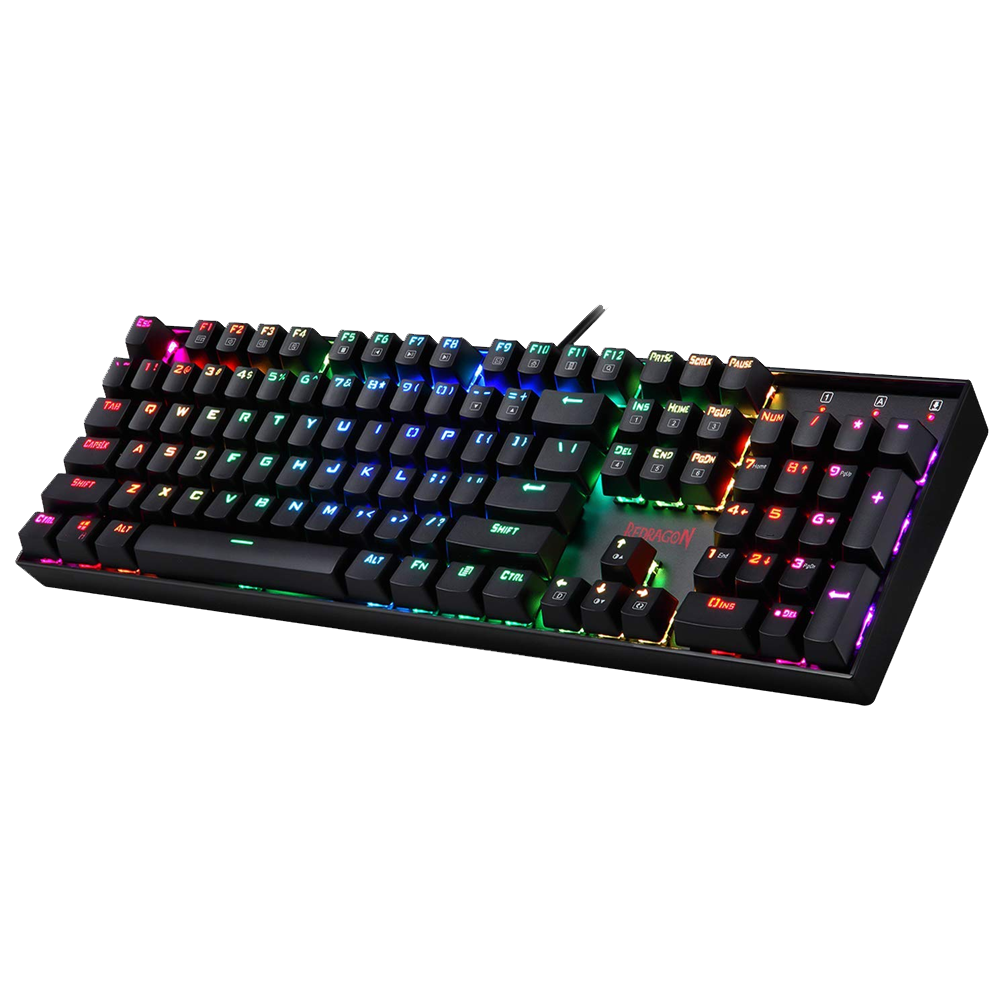
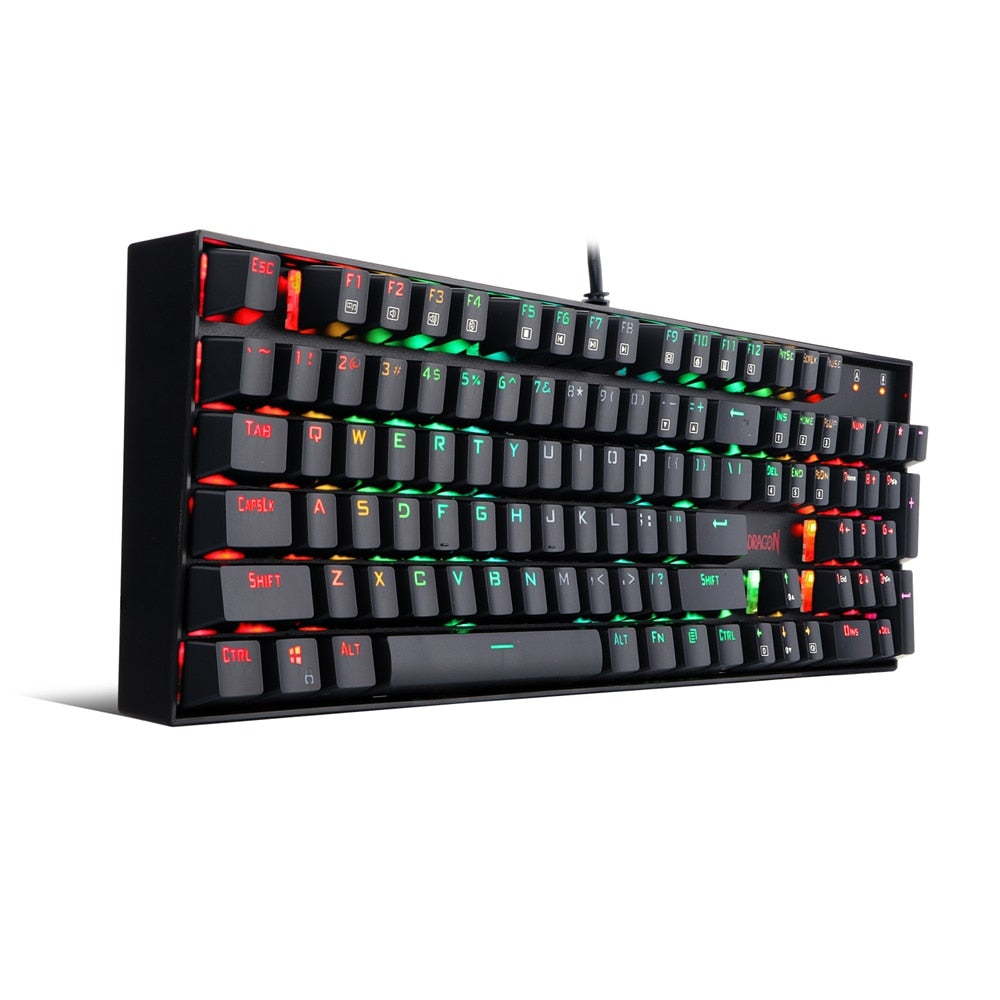
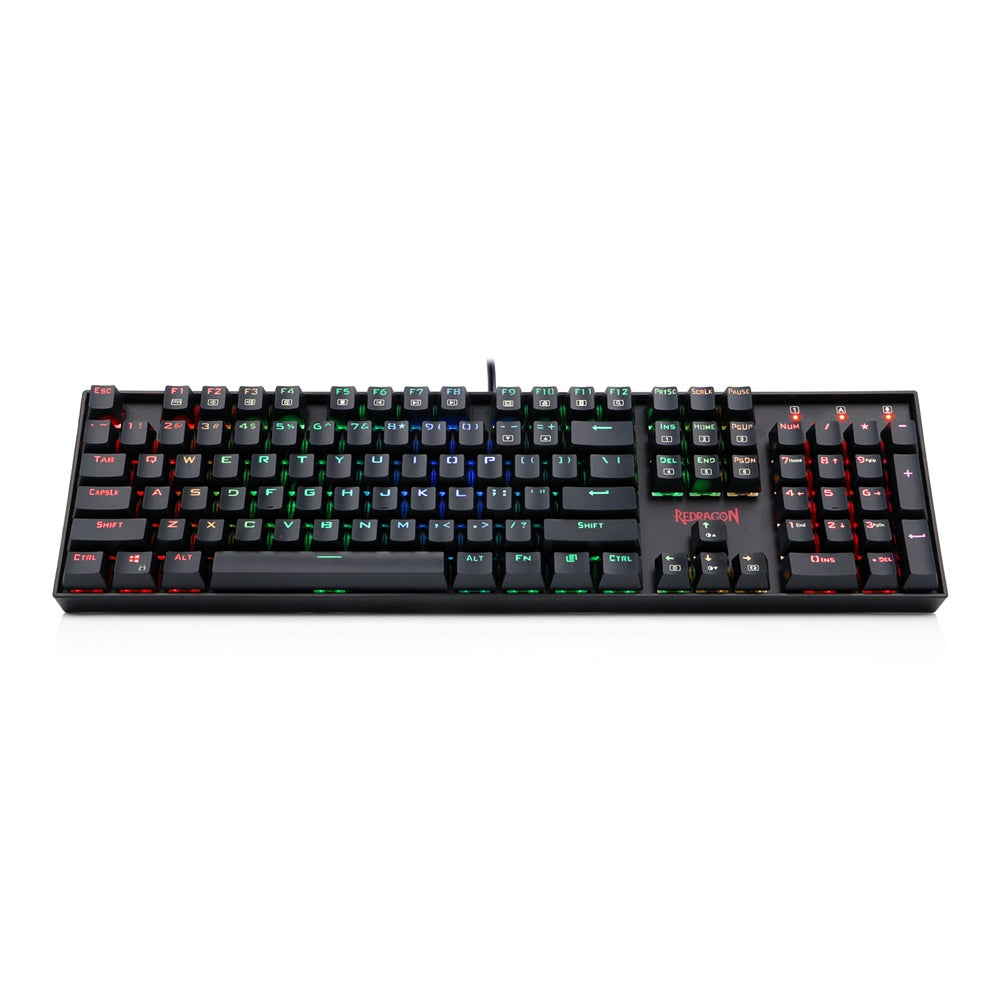
Description
- Open Box Product: This product has been professionally tested and verified by the engineers to ensure it works perfectly. The packaging may be open or slightly marked, but it remains fully functional and is QC verified by the Team.
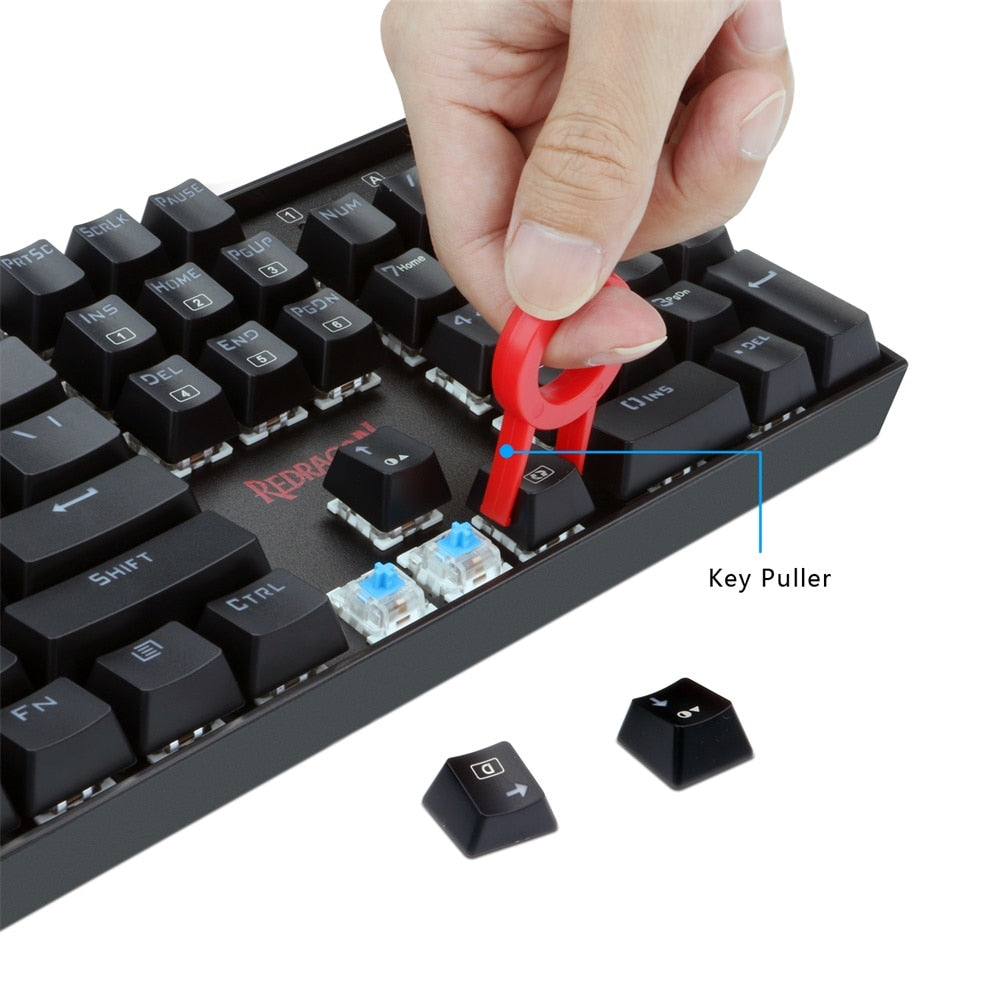
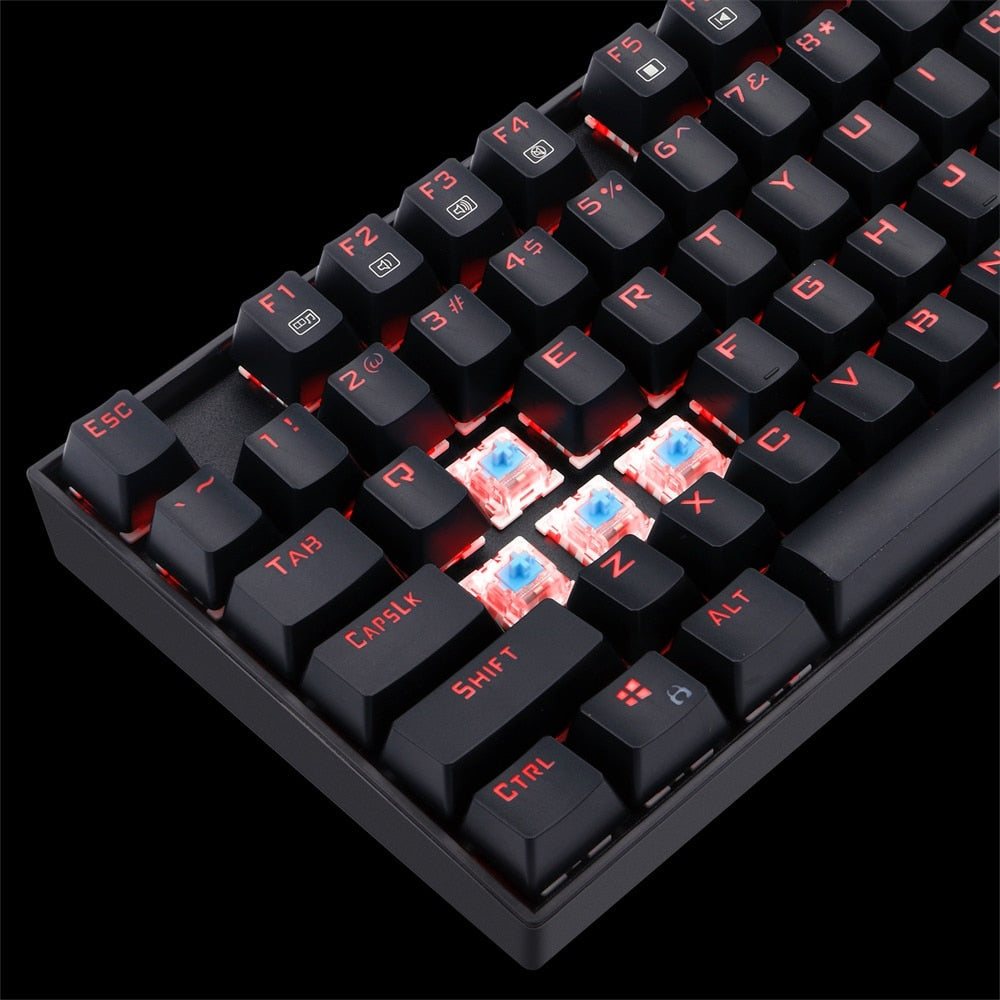
- Gaming Keyboard: 104 Key Mechanical Gaming Keyboard with Custom Mechanical Switches(Cherry Blue equivalent) designed for longevity with greater durability and responsiveness
- Fast mechanical keys with medium resistance, precise actuation, audible click sound, and tactile bump feedback
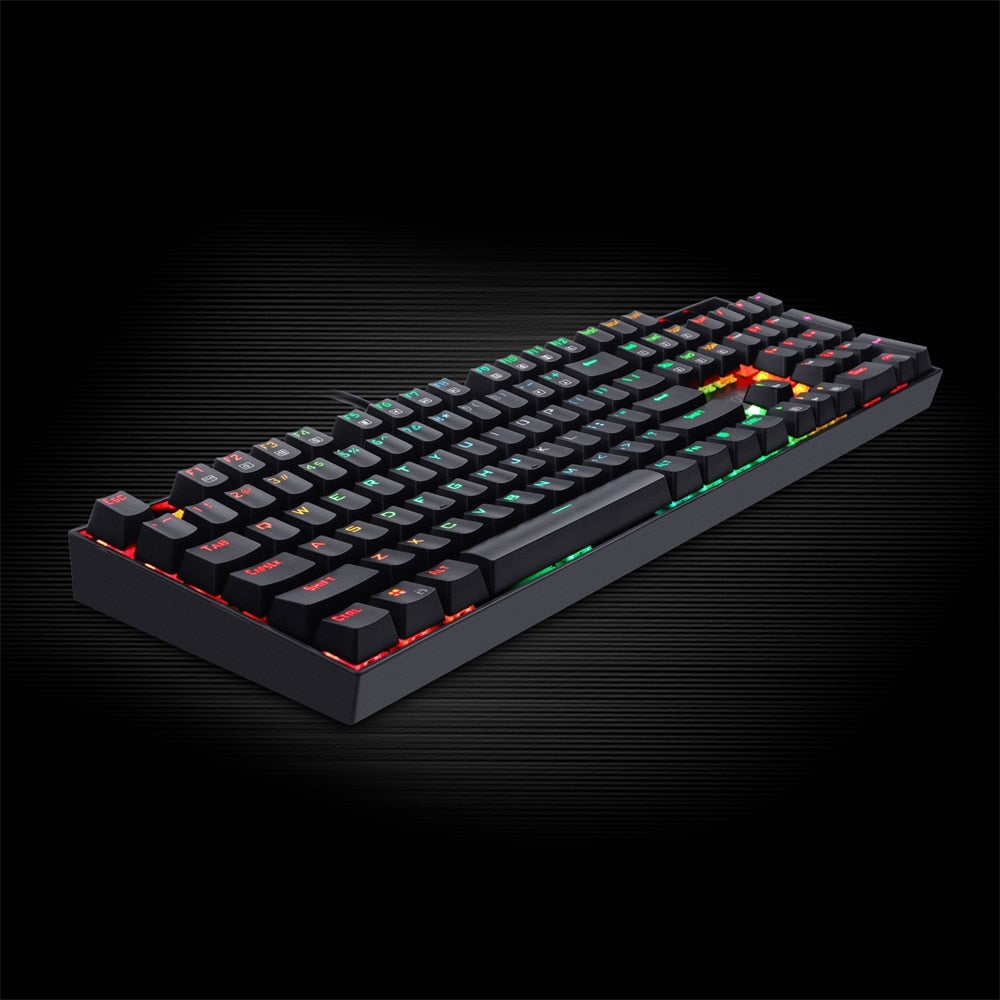
- RGB Led illuminated keyboard comes with Double-shot injection molded keycaps offering crystal clear uniform backlighting and lettering that doesn't scratch off; Featuring rainbow, RGB colors, 5 different lighting modes, 5 backlight brightness levels, breathing speed, user-programmable RGB backlighting
- Metal/ABS Construction: The PC Gaming keyboard is constructed of metal alloy and ABS with plate-mounted mechanical keys and switches that stand up to tough gaming conditions
- Comes with Full numeric keypad and a gold-plated corrosion free USB connector for a reliable connection.
Specifications
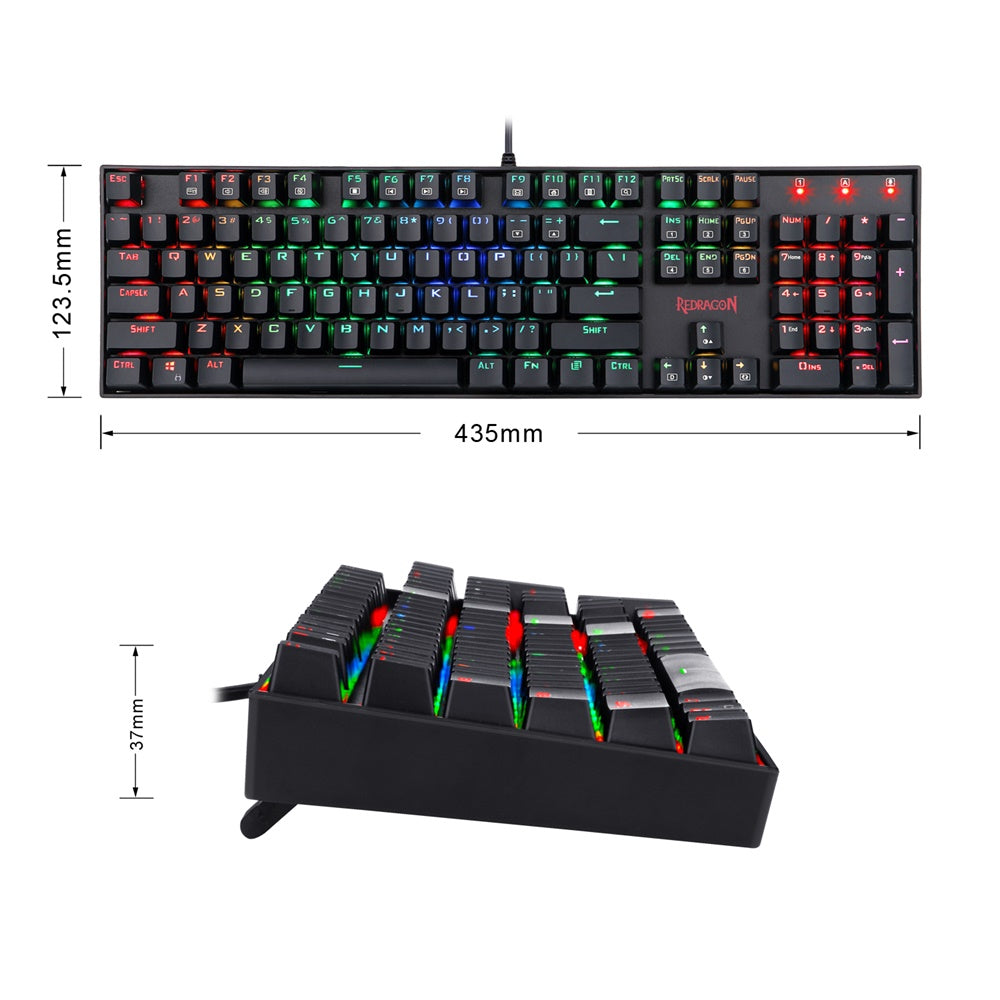
| Size | 43 x 12 x 3.7 cm |
| Weight | 0.5 KG |
| Backlighting | RGB |
| Switch | Blue Switch |
| Anti Ghosting Feature | Full Key conflict free |
| Material | ABS |
| Connector | Gold Plated |
| Keys | 104 |
What's In the Box
- 1 X Keyboard
- 4 X Spare Switches
- 1 X Key Puller
- 1 X Switch Puller
- 1 X User Manual
Imported & Marketed By
Origin Marketing Private Limited.
223/224, Raj Ratna Industrial Estate, Liberty Garden, Malad (West), Mumbai 400064, Maharashtra, India.
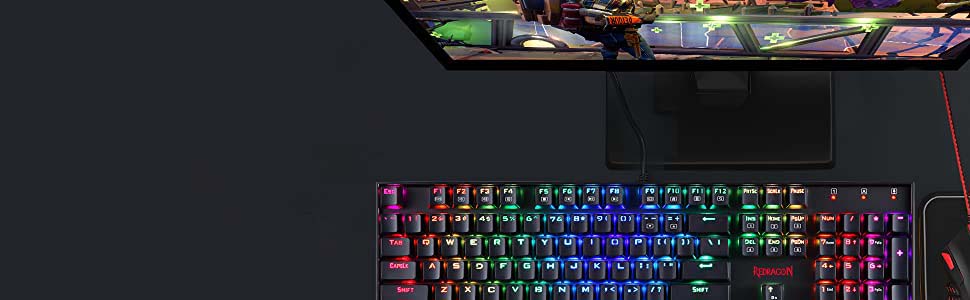
104 Keys Mechanical RGB Gaming Keyboard
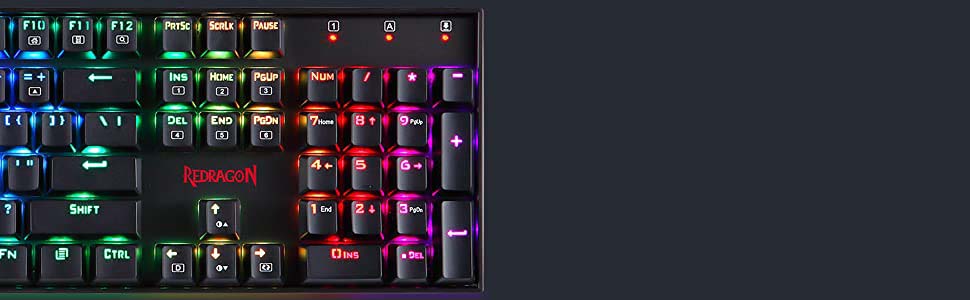
Full Numeric Keypad
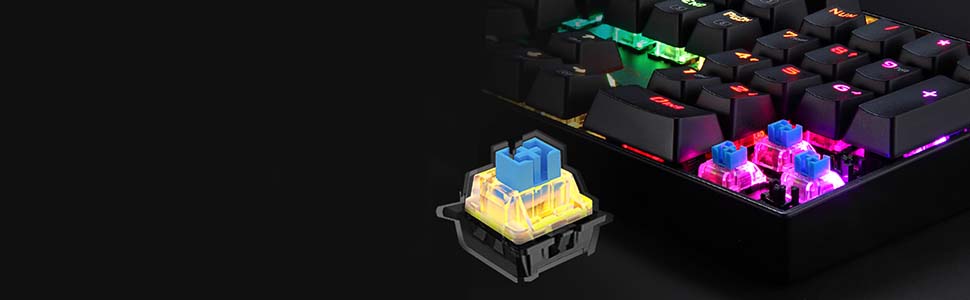
Outemu Blue Key Switch
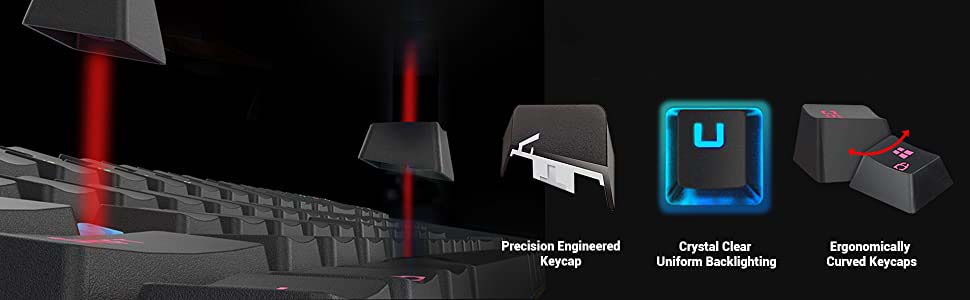
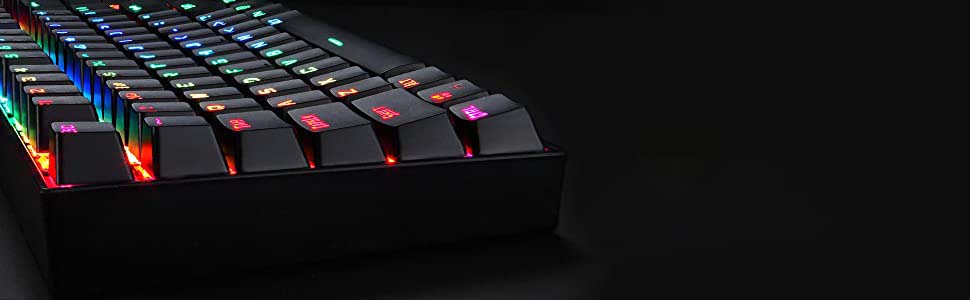
Durable Metal Construction
Frequently Asked Questions (FAQs)
How Multimedia key works?
If you spill liquid on the keyboard?
How Backlighting Modes works?
Keyboard function
OS Support?